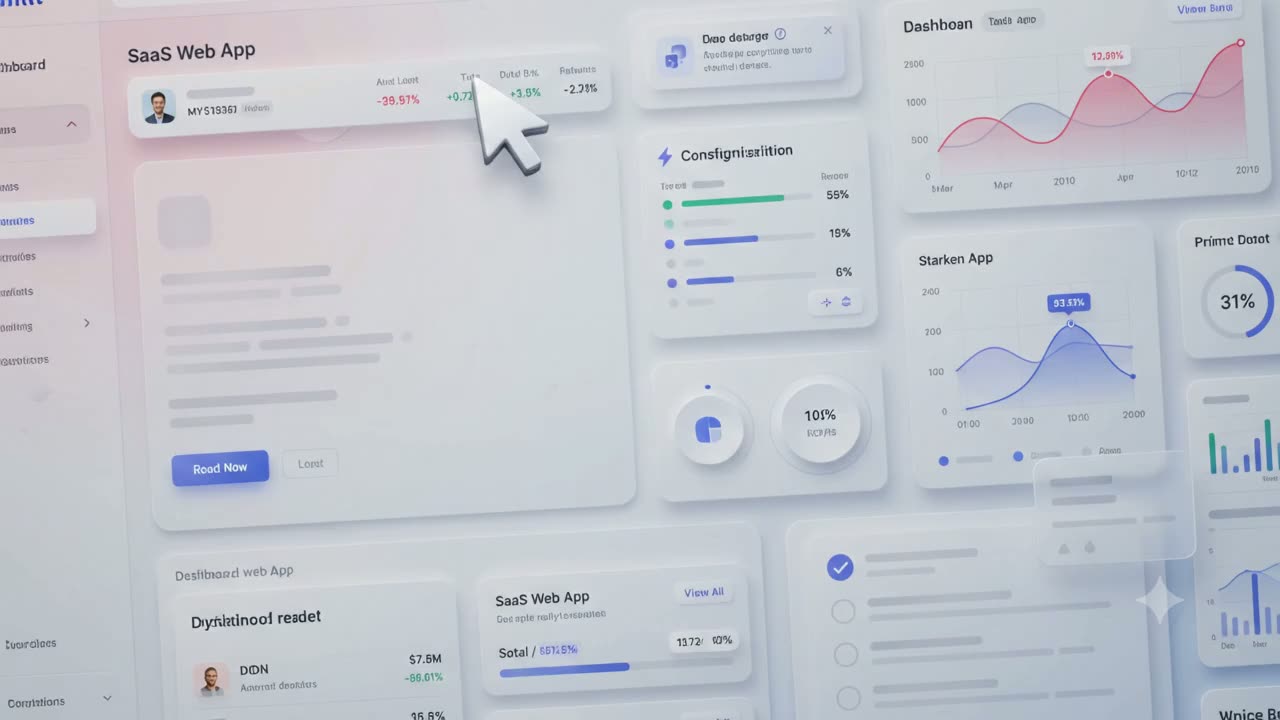
Record once.
Hit record, click through your app like a normal user, and GuidePop turns every click into a polished step, a bug report, a KB article, or an answer in your AI chat widget.
Auto-detected from your recording. Edit the copy, set a trigger, and it's live.
Three clicks from idea to live walkthrough
No selectors. No specs. No engineering tickets. Just record.
Hit record 🎬
Open your app, press record, and click around like a normal user. That's it — really.
We watch the clicks 👀
Every click, field, and screen is captured automatically — in the right order, every time.
Out pops a guide ✨
GuidePop spins it into a polished walkthrough — tooltips, video pops, checklists and a help center article.
Everything to make onboarding click
Starting with the one that does the work for you — Magic Record.
Record a flow. Get a guide.
Hit record and click through your app like any user would. GuidePop captures every step and turns it into a polished, editable walkthrough.
- Auto-captures clicks, fields and screens
- Edit copy and reorder steps
- Publish in minutes, not days
Recordings become a help center.
Every Magic Record turns into a step-by-step tutorial with screenshots, auto-organised into sections, and published to your branded knowledge base — no copywriting, no formatting, no manual upload.
- Auto-generated articles with screenshots per step
- Sorted into sections and tagged automatically
- Published to your branded KB the moment it's ready
Catch bugs the moment they happen.
Users click 'Report a bug' inside your app, record their screen, and GuidePop bundles the video with the console logs, network calls and click trail — then drops it straight into your Bugs dashboard with status tracking.
- One-click screen capture from your widget
- Console + network + click trail attached automatically
- Open / In progress / Resolved workflow built in
An AI chat widget that actually knows your product.
Drop the widget on any page. It answers from your Magic Recordings and Knowledge Base, remembers each visitor's chat and bug history, and works beautifully on mobile.
- Trained on your recordings + KB, no prompt tuning
- Per-visitor chat and bug history
- Ships with the same 'Report a bug' button baked in
Click anything. Attach a step.
Open your app in the builder, point at any element, and write the message you want users to see. That's the whole workflow.
- Works on any element
- No selectors, no dev time
- Live preview as you build
See how teams set up their first guide.
Tooltips that don't feel like 2014.
Drop in a Loom, YouTube, Vimeo, Wistia or MP4 inside a pop styled to your brand. Friendlier than a modal, more useful than a screenshot.
- All major video providers
- Auto-resizing pop frames
- Skip, next, and CTA buttons
Turn first-run into a win streak.
A delightful little checklist guides new users through the moments that matter — with progress they can actually feel.
- Per-user progress tracking
- Triggers off real product events
- Celebrate when it's done
Radius, shadow, typography — all yours.
Style every pop like it's yours.
Colors, radius, shadows, typography. Tune every detail until the pops feel native to your product — because they should.
- Brand colors and fonts
- Light and dark variants
- Per-project themes
See where users get stuck.
Step-by-step completion data so you can fix the exact moment that's losing people — instead of guessing at the funnel.
- Per-step drop-off
- Guide and checklist performance
- Trends over time
Frequently asked questions
Everything you need to know about getting started with GuidePop.